
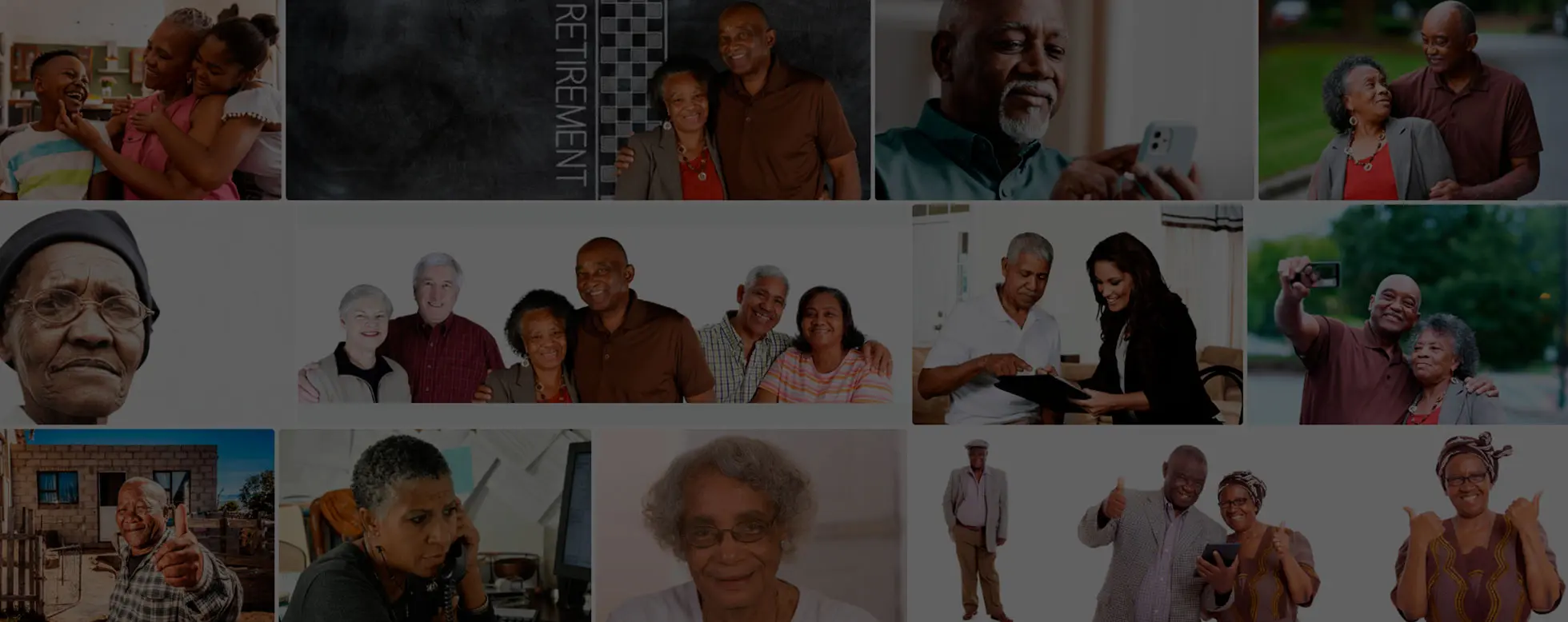
08 Oct Digital Skills for Life: A Simple Tech Program for Elders (65+)
“It’s never too late to learn something new!”
✅ Program Overview
A beginner-friendly, step-by-step program to help seniors feel confident using smartphones, computers, and tablets (like iPads) for everyday needs, staying in touch with loved ones, managing health, accessing services, and enjoying entertainment.
🗓 Program Format
- Duration: 4 to 6 weeks
- Sessions: 1–2 sessions per week
- Length: 1.5 hours per session
- Class size: Small groups (4–8 learners) or one-on-one
- Support: Printed handouts, large text, and slow-paced delivery
Week 1: Introduction to Devices
- What is a smartphone, computer, and tablet?
- Turning devices on/off
- Identifying buttons (home, volume, power)
- Using touchscreens and mouse
- Charging your device
🛠 Hands-on: Practice turning devices on/off, opening the home screen
Week 2: Understanding Basic Navigation
- Using touch (tap, swipe, scroll)
- Using a keyboard (virtual and physical)
- Opening and closing apps or programs
- Adjusting volume and screen brightness
- Understanding Wi-Fi and internet
🛠 Hands-on: Open a calculator or notepad, adjust settings
Week 3: Making Calls and Sending Messages
- Making and receiving phone calls
- Saving contacts
- Sending and reading text messages
- Using voice typing
- Using video calls (Zoom, WhatsApp, FaceTime)
🛠 Hands-on: Call a classmate, send a text, do a video call
Week 4: Introduction to the Internet
- What is the internet?
- How to use Google or Safari to search
- Watching videos on YouTube
- Reading news online
- Safety: What to click, what not to click
🛠 Hands-on: Search for a recipe or video of interest
Week 5: Photos, Camera & Apps
- Taking photos and videos
- Viewing, sharing, and deleting photos
- Installing and deleting apps
- Exploring helpful apps (health, games, transport)
🛠 Hands-on: Take a selfie, download a weather app
Week 6: Staying Safe Online
- Recognizing scams and suspicious links
- Creating strong passwords
- Keeping your information private
- Asking for help when unsure
🛠 Hands-on: Practice creating a secure password
💡 Our Teaching Methodology
- Use simple language, avoid tech jargon
- Go slowly and repeat steps as needed
- Encourage questions, no question is silly!
- Provide large-print guides for home use
- Celebrate small wins (“You opened your email today, well done!”)
🎓 Completion & Follow-up
- Each learner receives a simple certificate
- Optional monthly “Tech Help” drop-in session for ongoing support
- Encourage family involvement to reinforce learning
🧡 Program Goal
To help seniors feel confident, independent, and connected in today’s digital world, not left behind.
No Comments